White-Label SaaS Source Delivery: 4 Pruning Rules

"White label" is easy to write on a landing page and surprisingly hard to deliver. When the ZIP is the product, four things have to be true before the buyer unzips it. Uncorne treats all four as build-time assertions, not promises — and each one below comes with a way to prove it yourself. That distinction matters because most "white label" disappointments are not malicious; they are sloppy delivery that a landing page simply cannot reveal.
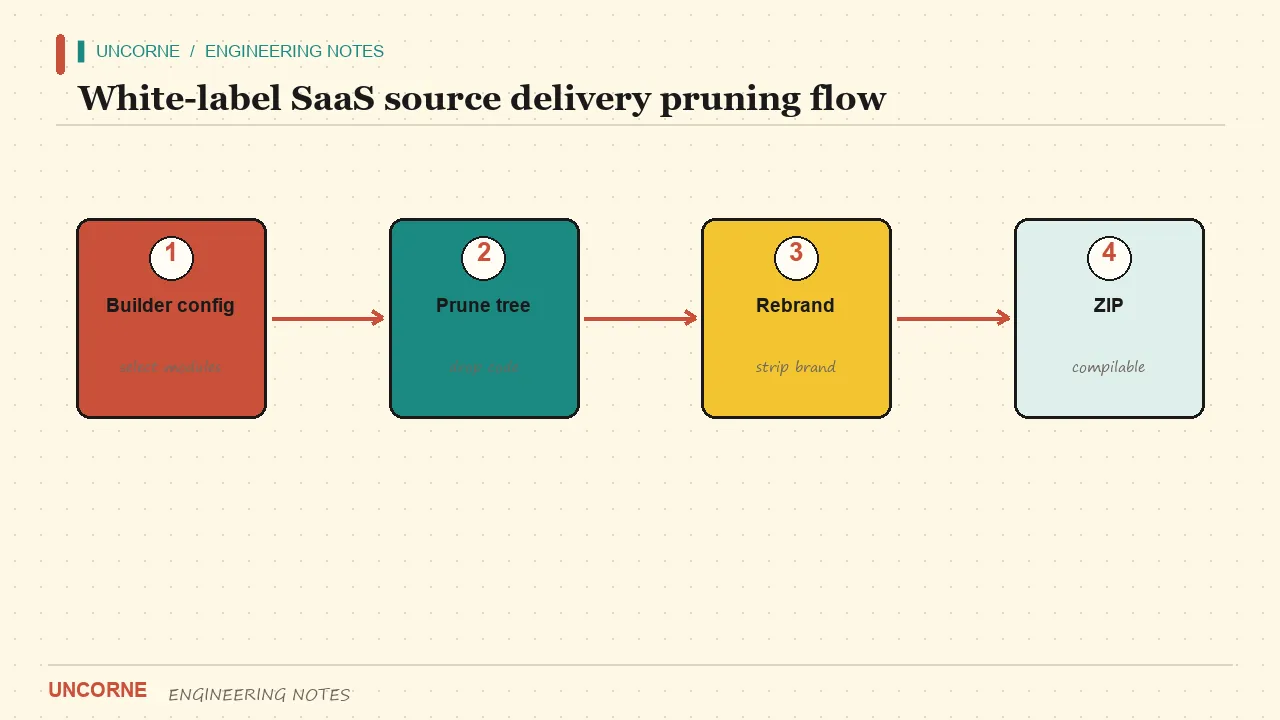
1. Pruning is real, not a feature flag
Unselected modules must be absent from the archive, not merely disabled behind an environment variable. A customer who unchecked the admin console should not receive its routes, its nav entries or its imports. In Uncorne the skip list is declarative: the Builder picks auth, gateway, AI providers, features, deploy target and visual style, and the server returns a ZIP containing only those modules. Every generated package is type-checked, and 24 representative configurations (one per Builder scenario preset included) are downloaded, guard-checked and compiled in CI. Because the generated app runs on the Next.js App Router, a removed module loses its route segments rather than hiding a component; the Server Actions tied to the generate API go with it. Auth modules arrive with their own row-level security policies, and those must go too.
One hard-learned rule: a rewrite step may only modify files that are ALREADY in the ZIP. An early version fell back to reading pruned files from disk, quietly re-adding them to the customer package. That bug passed every unit test and only showed up when someone grepped the delivered ZIP. A module that is present but switched off is still a module: it still ships in the bundle, still appears in imports and still needs to be maintained.
grep -R "admin" -il . | head -20
find . -path './node_modules' -prune -o -name '*.tsx' -print | sort
The first command should return nothing related to a module the customer did not select. The second gives you the real file inventory to compare against the preview manifest.
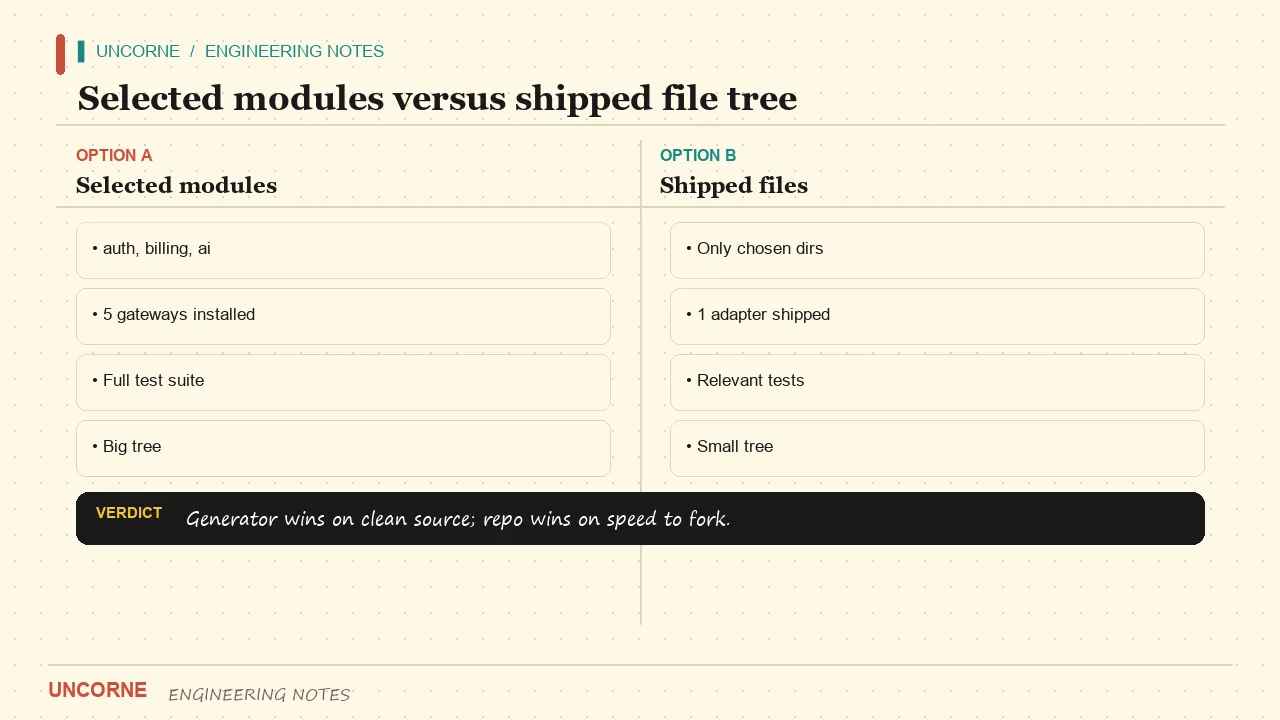
2. Brand removal includes generated pages
Home, pricing, sitemap, robots and legal pages in a customer build are generated from that customer's own configuration, not inherited from our marketing site. They follow Google's structured-data guidance, and the assertions check them exactly like any other generated page. Even a comment inside a generated template containing an old brand name once broke the entire CI matrix. Assertions now scan customer pages for our brand, competitor brand names, dead links and generator files, then fail the build before a ZIP is emitted.
grep -R -i "uncorne|old-brand-name|legacy-brand" -n app lib public 2>/dev/null | head -20
grep -R -o 'href="/[^"]*"' app | sed 's/href="//;s/"//' | sort -u
The first command must come back empty. The second lists every internal link; cross-check it against the routes in the generated app. Any link to a route that does not exist is a dead link, and a single one is enough to break the white-label claim.
3. Never ship the factory
The ZIP contains the product, not the machine that makes it. The generator directory, the builder route and the generate API are removed. A purchase grants one generated project, not a license to run the factory. This matters for support and for security: a customer who also receives the generator can mint builds, and any fix you push to the factory no longer maps cleanly to what they deployed.
test -d generator && echo "LEAK: generator present" || echo "OK: no generator"
test -f app/builder/page.tsx && echo "LEAK: builder present" || echo "OK: no builder"
grep -R "generateSourceZip" -n . 2>/dev/null | head
All three checks should report clean. This is the one failure mode a customer will notice immediately, because generator code carries the vendor's own conventions all over it.
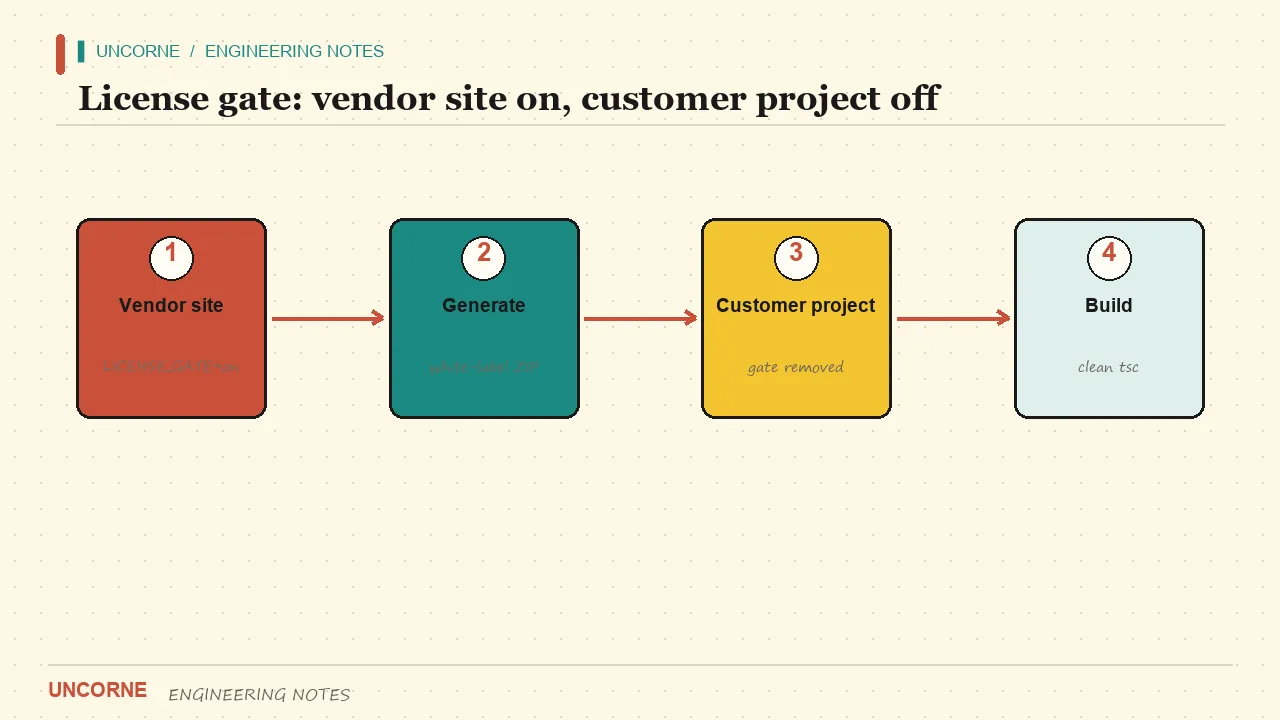
4. The paywall must not follow the customer
Our site requires an HMAC license key, an active subscription or an email claim before it emits a source ZIP, and production fails closed even when the signing secret is missing. The customer's own project ships with that gate defaulted to off — in source, not just in .env.example, which nobody copies. Anonymous visitors can still take the skeleton preview: the project skeleton, file inventory and design tokens, with a signed visitor token and a two-bucket quota.
grep -R "licenseGateMode" -n lib | head
sed -n '1,80p' lib/env.ts
You want to see the gate defaulting to off in lib/env.ts itself. If it only reads a well-named variable with no safe default, the buyer inherits a paywall they cannot switch off without editing code they were told not to touch.
What buyers actually find in a "white label" ZIP
Three complaints show up repeatedly after delivery. First, dead links: a nav item points to a route that pruning removed, so a customer ships a 404 to their own users. Second, brand residue: a comment, a README line or an og:image path still names the vendor, which becomes the customer's problem the moment they publish. Third, a factory that was never removed — the buyer discovers they can regenerate the whole product, and so can anyone who gets the repo.
None of these are visible in a storefront screenshot. They only appear when you unzip and run the checks. That is why we treat the ZIP as the deliverable and the marketing page as a description of it, not the other way around. The four rules above map directly to those complaints: real pruning removes the routes (and therefore the dead links), brand assertions cover generated pages, and removing the factory makes the boundary of the purchase unambiguous. The license gate is the fourth rule because a paywall left on in source is a support ticket waiting to happen — the buyer cannot ship, and you get blamed for a config they never saw.
There is also a quieter benefit. A declarative skip list gives you a reproducible build. Given the same configuration, the CI matrix produces the same file tree, so a bug report that says "my admin route is missing" can be reproduced from the config alone. With manual deletion there is no such thing as a reproducible customer build — every ZIP is a snowflake, and support becomes archaeology.
Verify it yourself, end to end
Unzip the build, run the four checks above, then run the type checker and a production build inside the extracted project:
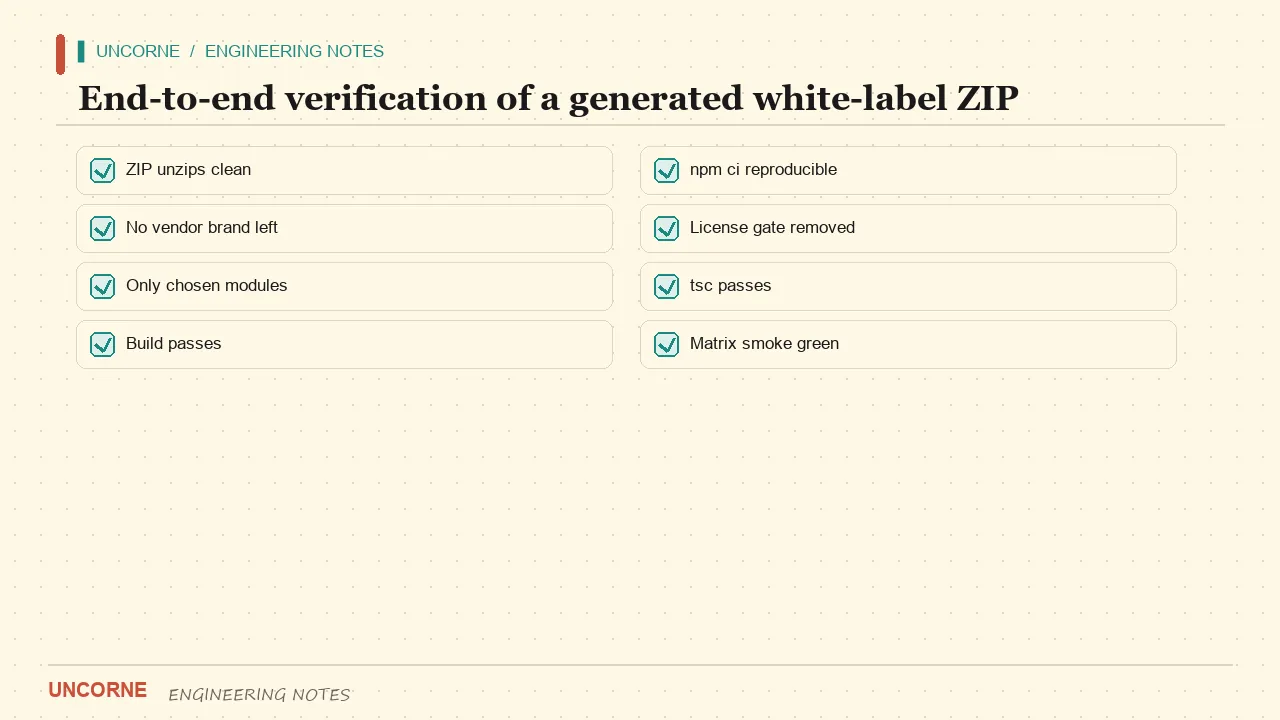
npm install && npx tsc --noEmit && npm run buildKeep the output of those commands with the build: a reviewer who can reproduce the same clean result from the same configuration is worth more than a promise in a sales thread.
If any step fails, the white-label claim was marketing. Note that this is a delivery standard, not an AI feature — no checklist in the world makes a fixed, brand-leaking repository clean. If you want the modules you did not pay for to be gone rather than hidden, generate from configuration; that difference is the whole point of source delivery.
FAQ
Does the generated ZIP contain the generator itself?+
No. The generator modules, the builder page and the generate API are pruned. Buying one build gives you one project, not the factory that produces builds. Verify with test -d generator — it should report no generator.
Is the license gate active in the downloaded project?+
No. In an Uncorne download lib/env.ts is rewritten so licenseGateMode() defaults to off in source. Only our site enforces the paywall, and it fails closed in production. Check sed -n '1,80p' lib/env.ts in the extracted ZIP.
What is in the anonymous preview?+
A runnable skeleton preview: configs, a themed placeholder page, the complete file inventory, design tokens and a README-style PREVIEW.md — no application source. It is rate-limited by a signed visitor token plus a trusted-network bucket.
How can I prove a white-label claim myself?+
Unzip the build, grep for the vendor brand and generator paths, then run npx tsc --noEmit and npm run build. A real white-label ZIP survives all three; a marketing claim usually fails the brand grep on the first try.
All frequently asked questions · Markdown version (for AI agents)