Creem Payment Setup: Next.js Checkout Step by Step

Creem is the closest thing to a Stripe-like hosted checkout with a Merchant of Record attached. It handles sales tax and VAT for you, which is why its fee is higher than a raw processor — the trade-off is explained in the Merchant of Record overview. This tutorial takes a Next.js SaaS from zero to a real sandbox payment.
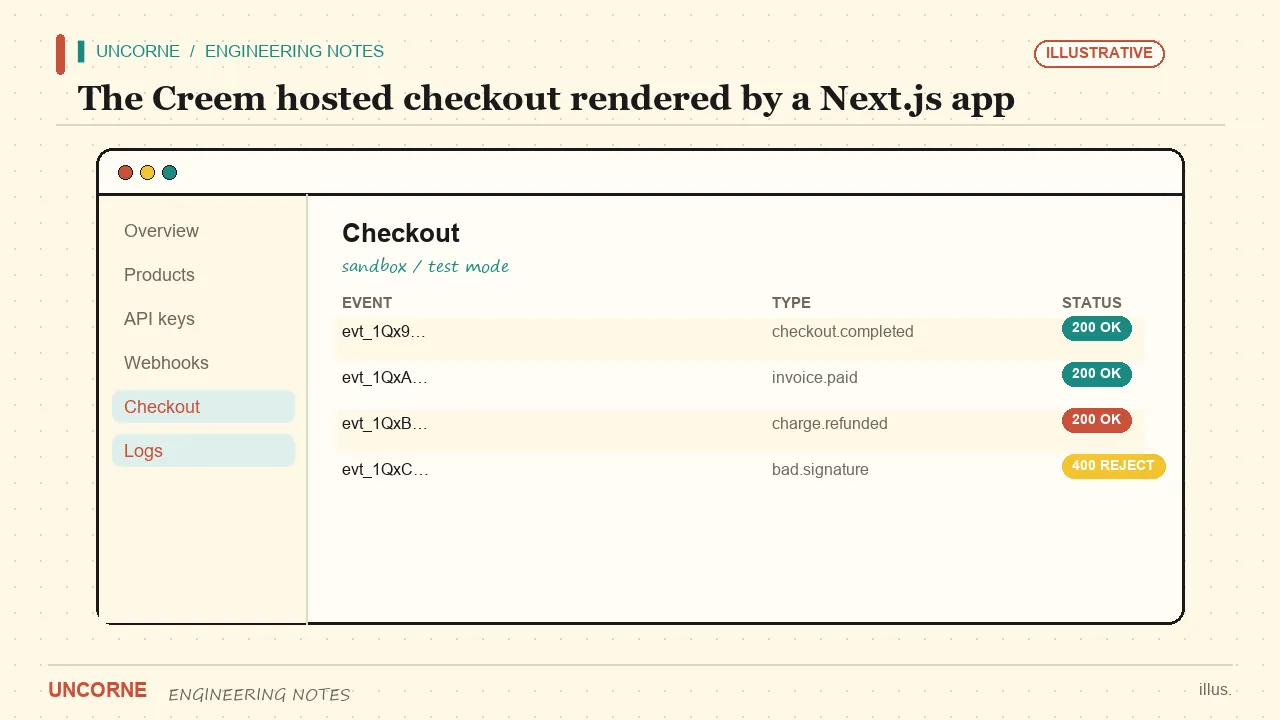
Step 0: Read the docs first
The Creem documentation is short enough to skim in one sitting. The two pages that matter here are products/prices and webhooks. Keep the Creem webhooks guide open — you will return to it in step 3.
Step 1: Create the account and API key
Sign up at Creem, switch to test mode, and create an API key. Store it as CREEM_API_KEY. Set CREEM_ENV=test for development and change it to live only after your sandbox round-trip is green. Test keys and live keys are separate; mixing them is the fastest way to a confusing 401.
PAYMENT_PROVIDER=creem
CREEM_API_KEY=creem_test_xxx
CREEM_ENV=test
CREEM_WEBHOOK_SECRET=whsec_test_xxx
CREEM_PRICE_ID_BUYOUT=price_buyout_test
CREEM_PRICE_ID_CARE=price_care_test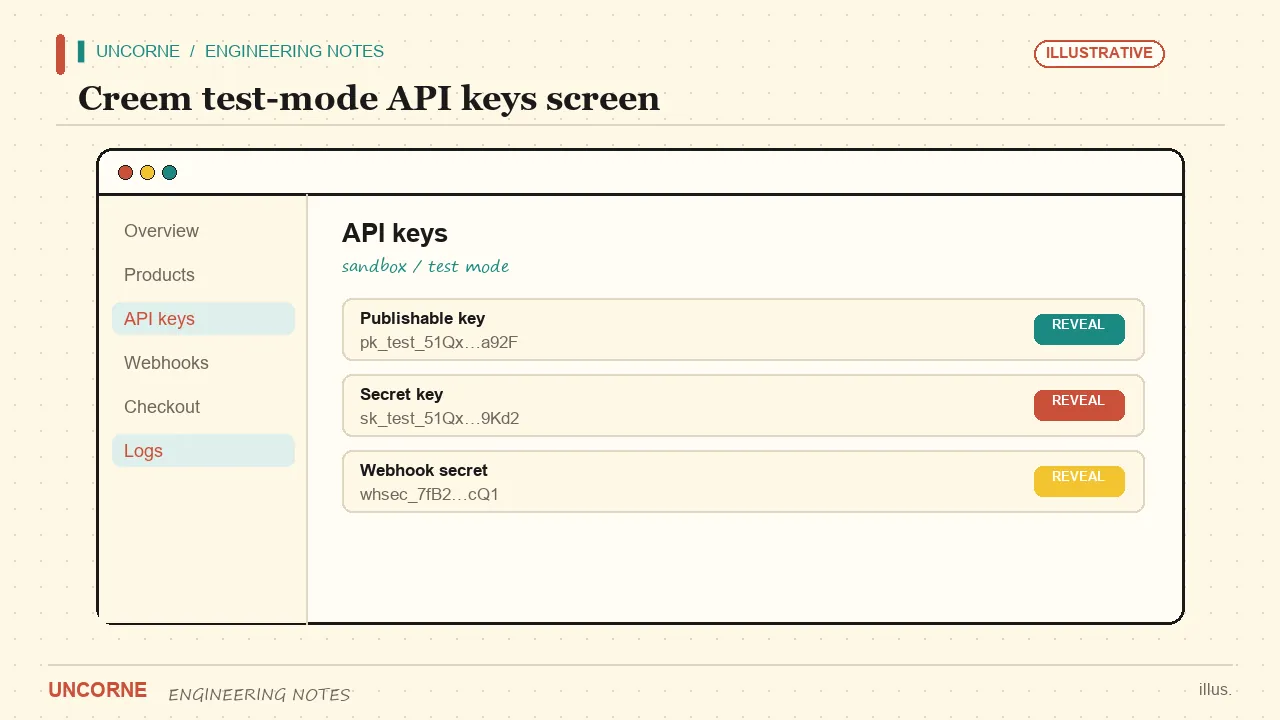
Step 2: Create products and prices
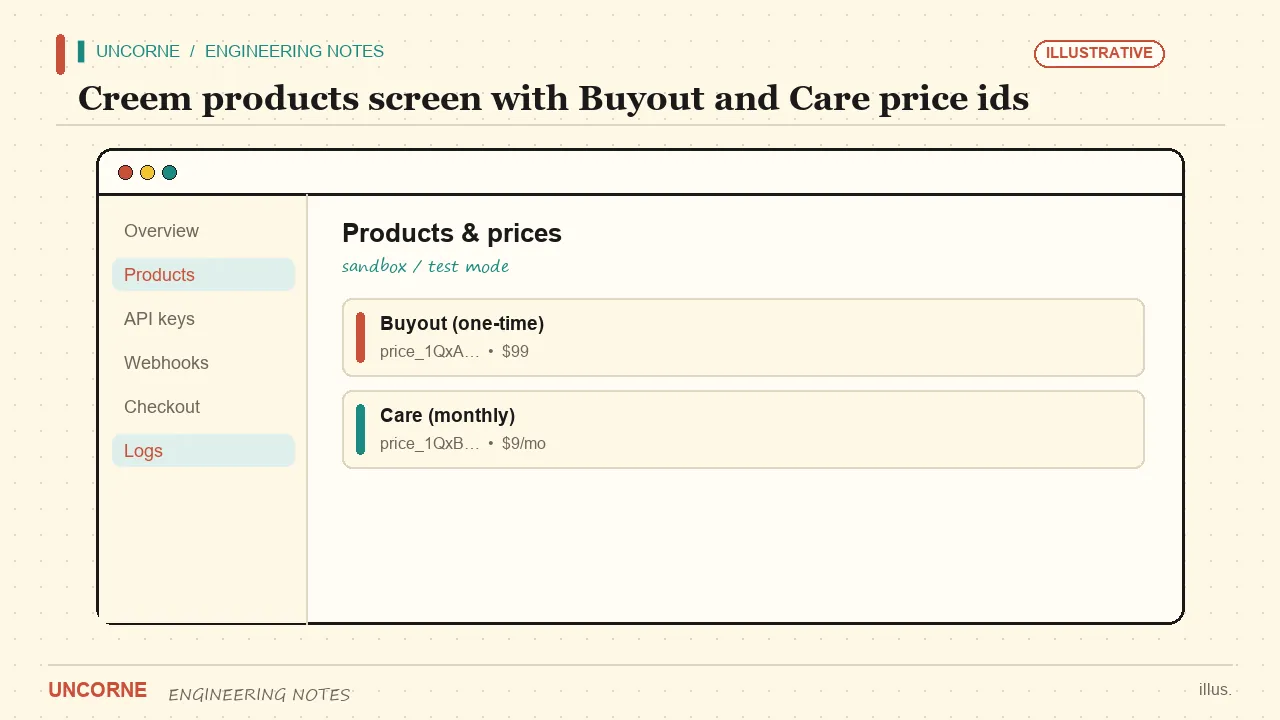
In the Creem dashboard create a one-time product for Buyout and a recurring product for Care. Copy their price ids into CREEM_PRICE_ID_BUYOUT and CREEM_PRICE_ID_CARE — the slot names match the plans. The legacy CREEM_PRICE_ID_PRO and CREEM_PRICE_ID_SCALE names still resolve as fallbacks if you are migrating an older config. For a Black Friday promo, create separate price ids and set CREEM_PRICE_ID_BUYOUT_BF and CREEM_PRICE_ID_CARE_BF; the webhook plan inference already recognises them.
Step 3: Set the webhook
Point Creem at your /api/payments/webhook/creem endpoint and copy the webhook secret into CREEM_WEBHOOK_SECRET. The integration verifies the signature on every event before trusting it. A checkout event resolves the plan from the product or price id and grants the licence; a refund or cancellation event revokes it.
export async function POST(req: Request) {
  const body = await req.text();
  if (!verifyCreemSignature(body, req.headers)) {
    return new Response("bad signature", { status: 400 });
  }
  const evt = JSON.parse(body);
  if (evt.type === "checkout.completed") {
    await grantLicence(evt.customer, inferPlan(evt.product.id), evt.id);
  }
  if (evt.type === "subscription.canceled") {
    await revokeLicence(evt.customer);
  }
  return new Response("ok");
}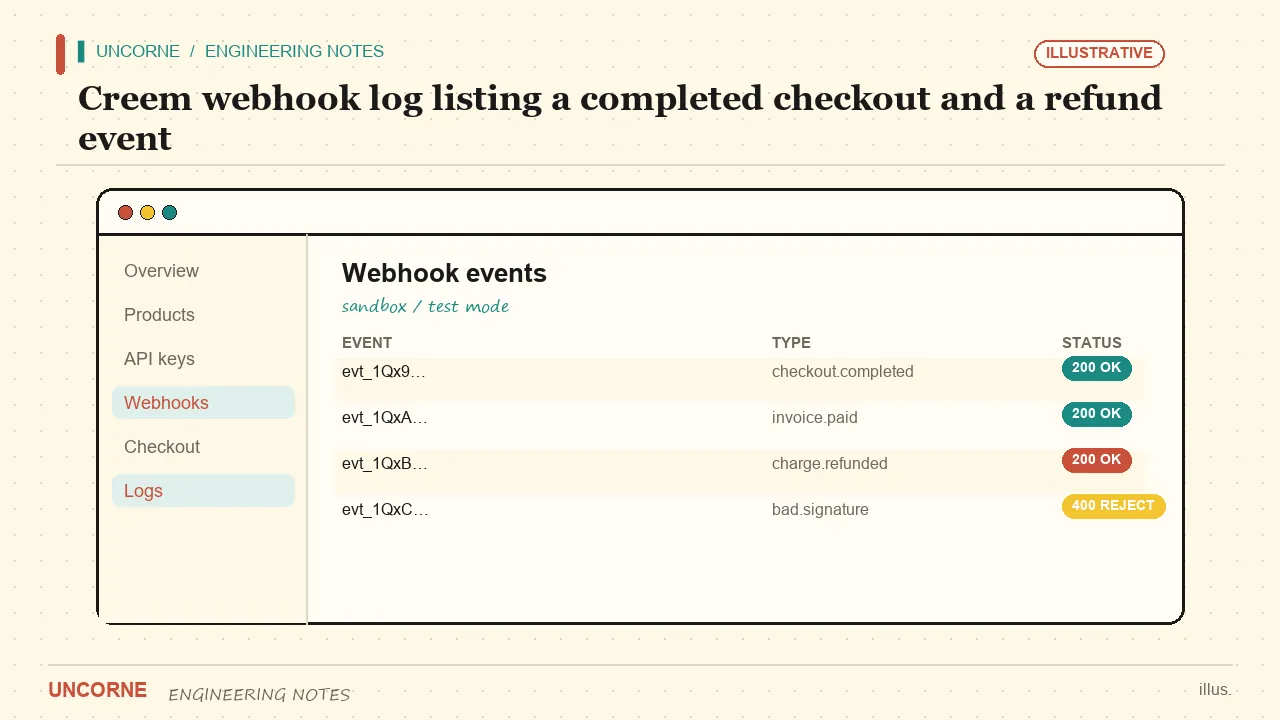
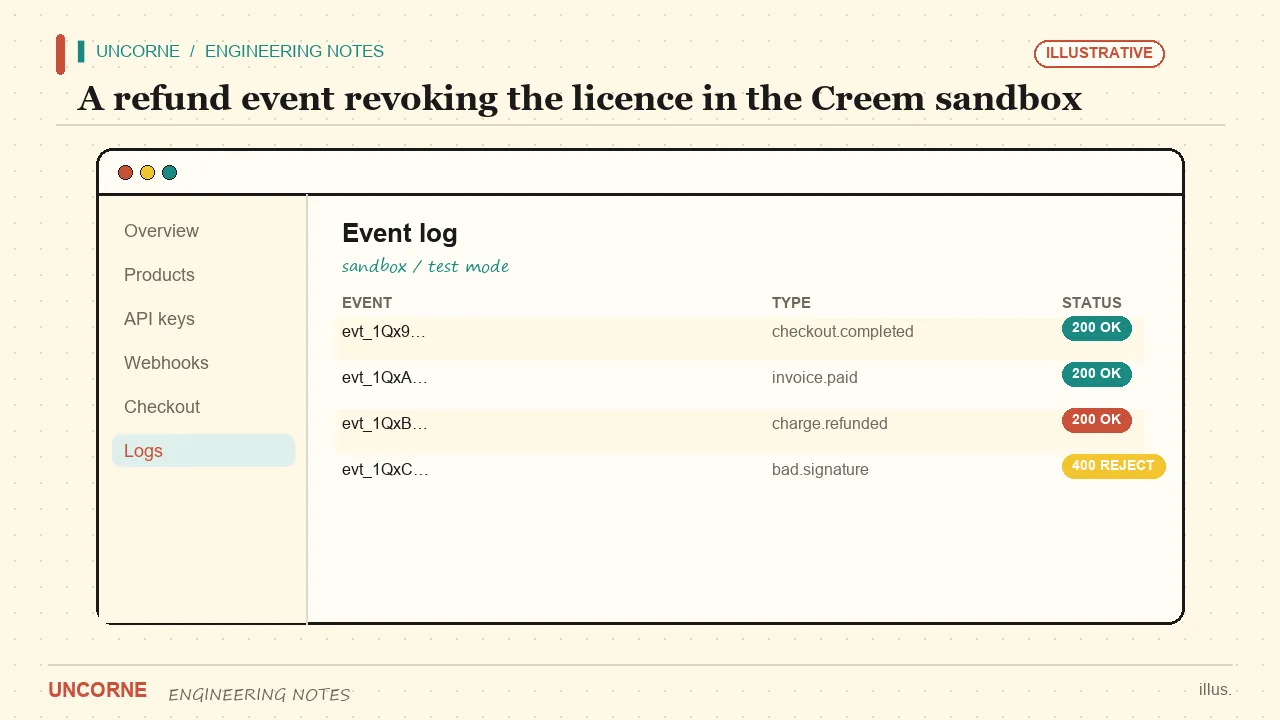
The handler runs as a Next.js App Router route handler, so verification stays on the server. Make the grant idempotent: Creem retries events, and a retried checkout must not create a second licence. Log the event id and the event type — when a refund appears not to revoke access, that log tells you which event actually arrived.
Step 4: Set the provider
Set PAYMENT_PROVIDER=creem plus CREEM_API_KEY and CREEM_WEBHOOK_SECRET. A checkout call picks the right price id for the active plan — or the BF price id when the promo is on — and redirects to Creem's hosted checkout. You never touch card data, which keeps PCI scope off your application.
Step 5: Run a sandbox test
Use test mode and a test purchase. Confirm the webhook fires, the plan is inferred correctly, the licence key is issued, and then issue a test refund and watch the licence get revoked. That last step is the one people forget, and it is the one that protects your revenue. Go live with CREEM_ENV=live and live keys only after the full round-trip is green.
Troubleshooting three common failures
If the webhook returns 400, check the timestamp window and the secret — a replayed or mistimed event is rejected by design. If the plan is always the default, the price id in Creem does not match the one in your environment. If a refund leaves access active, confirm you handle both cancellation and refund event types, not just checkout.
Switching gateways later
Because Creem, Waffo, Stripe, PayPal and Lemon Squeezy all sit behind the same checkout and webhook contract on Uncorne, switching providers is a configuration change, not a rewrite. See the Waffo payment setup tutorial for the parallel steps and the billing gateways guide for the broader decision.
What the checkout call actually does
Clicking Buyout or Care triggers a server action that resolves the plan's price id and creates a Creem checkout session. The price id is chosen on the server, so a customer cannot edit a URL parameter to buy Care at the Buyout price. The session carries your internal user reference in metadata; when the webhook arrives, that reference is what lets you credit the right account. Redirect the browser to the URL Creem returns — do not try to render their checkout inside your own layout.
Events, idempotency and the retry contract
Creem retries webhook deliveries until your endpoint answers with a 2xx. Make the handler fast and idempotent: acknowledge first, then do the work in a background job if your licence service is slow. Store the event id in a unique column so a retried checkout.completed cannot create a second licence. Log the event id, the event type and the product id — when someone reports that a refund did not remove access, that log is how you find out which event actually arrived.
Recurring Care: the three events you must handle
Care is a subscription, so a successful first checkout is only the beginning. Handle subscription.active to keep access on, subscription.canceled to revoke it at the end of the paid period, and the refund path to revoke immediately. Decide deliberately whether a cancellation takes effect now or at period end — cutting access mid-period is a support ticket you do not need. Store the renewal date returned by Creem so your own UI can show it.
A sandbox matrix, not one happy path
Run these cases in test mode before you touch production:
- Buyout with the standard price id — one-time licence issued.
- Care with the standard price id — subscription active, renewal date stored.
- BF price id with the promo flag on — correct BF plan inferred.
- The same
checkout.completedevent delivered twice — one licence, not two. - A test refund on Care — access revoked, no orphaned subscription.
Rows four and five are where most integrations break. A single successful purchase proves very little.
Going-live checklist
Switch to CREEM_ENV=live, replace the test API key and webhook secret with live ones, and verify the webhook URL uses HTTPS on your production domain. Remove legacy PRO and SCALE price ids from the environment unless you still need the fallback. Then make one small real purchase, refund it, and watch the whole chain — checkout, signature, plan, licence, revocation — before you announce anything.
Where to look next
Because all five adapters share one contract, these operational habits carry over if you switch providers. The Waffo tutorial walks the parallel setup, and the gateway comparison explains when Creem's Merchant-of-Record fee pays for itself.
What to log, and why it matters at 2 a.m.
A payment integration is the part of your stack people call you about at night. Three log lines make those calls short: the Creem event id, the resolved plan and the licence action taken. With those fields you can reconstruct any incident without asking the customer what they clicked. Add a timestamp and you can also tell whether a renewal was late or a webhook was retried. Keep the raw payload out of the log — it contains customer email addresses — and store only the fields you actually need. If you have to debug a signature failure, log the event id and the verification result, not the full body. A log you can read in ten seconds is worth more than a verbose dump nobody dares open.
FAQ
Is Creem a Merchant of Record?+
Yes — Creem handles sales tax / VAT and compliance for you, which is why its fee is higher than a raw processor. Verify the current rate on Creem's pricing page before committing.
Do I need to verify the Creem webhook signature?+
Yes. The integration verifies it with CREEM_WEBHOOK_SECRET on every event, on the server. Skipping it would let anyone forge a checkout event with an unsigned request.
What happens on a refund?+
The webhook sees the cancellation or refund event and revokes the licence so a refunded customer cannot keep access. Test this path in the sandbox before going live.
Can I keep the old PRO and SCALE price id names?+
Yes. CREEM_PRICE_ID_PRO and CREEM_PRICE_ID_SCALE still resolve as fallbacks when migrating an older configuration, but new projects should use the plan-matched BUYOUT and CARE names.
All frequently asked questions · Markdown version (for AI agents)