Waffo Payment Setup: Next.js Checkout Step by Step

Waffo ships in two distinct flavours, and the setup differs between them. This tutorial covers both because the Uncorne integration supports each through the same checkout and webhook contract. By the end you will have a sandbox purchase that grants a licence.
Step 0: Know which Waffo you are wiring
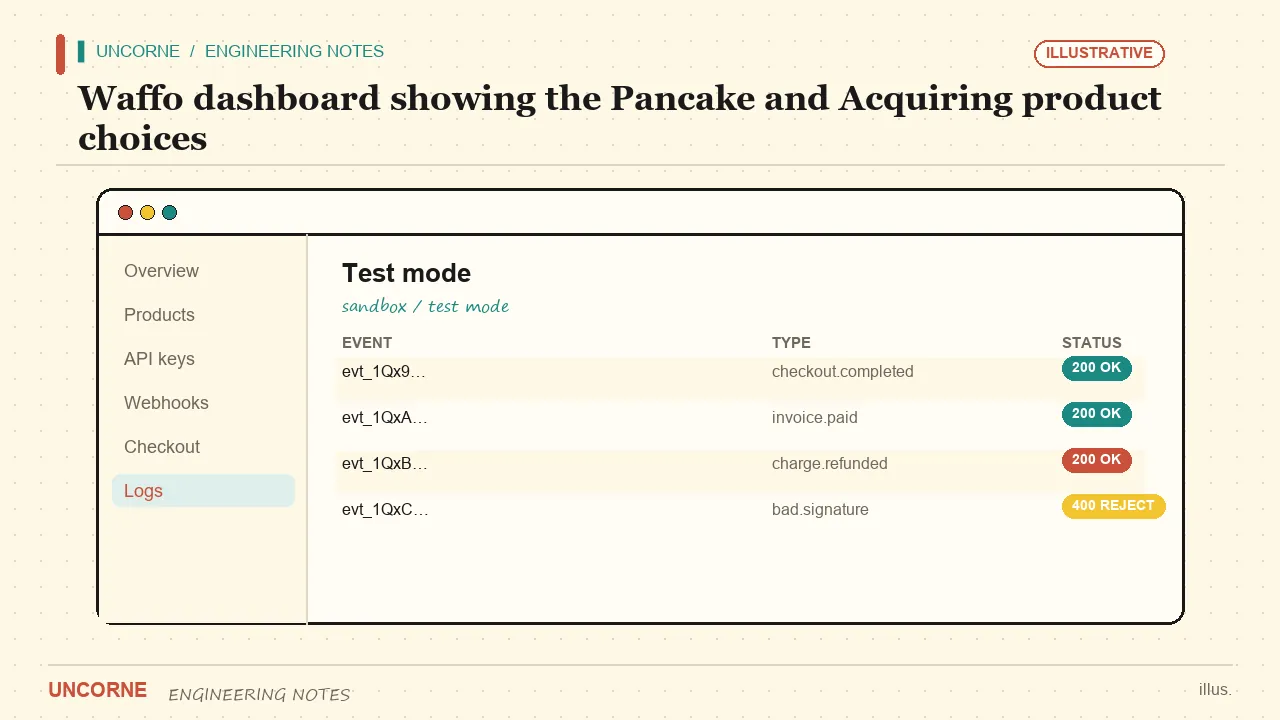
Waffo is not one product. Pancake is a global Merchant of Record checkout — see the Waffo Pancake documentation. Acquiring is a Southeast Asian acquiring gateway with RSA-signed webhooks — see the Waffo Acquiring documentation. A Merchant of Record absorbs sales tax and VAT for you; the concept is explained in the Merchant of Record overview. Pick Pancake unless you already hold a regional acquiring contract.
Step 1: Set the flavour and environment
Set WAFFO_FLAVOR to pancake or acquiring. The default is pancake; the adapter switches endpoints and signing accordingly. Set WAFFO_ENVIRONMENT=test for every development step. Going live with the test environment is the most common way to lose a first payment — the checkout looks fine, but no real money moves and no licence is granted.
Step 2: Gather credentials
For Pancake you need a WAFFO_STORE_SLUG (or WAFFO_STORE_ID / WAFFO_MERCHANT_ID) and a WAFFO_PRIVATE_KEY. For Acquiring you need the merchant contract fields — WAFFO_ACQUIRING_MERCHANT_INFO, WAFFO_ACQUIRING_USER_INFO, WAFFO_ACQUIRING_PAYMENT_INFO, WAFFO_ACQUIRING_ORDER_CURRENCY and WAFFO_ACQUIRING_ORDER_DESCRIPTION — plus the per-environment webhook public key. Keep them in .env.local, never in the repo.
PAYMENT_PROVIDER=waffo
WAFFO_FLAVOR=pancake
WAFFO_ENVIRONMENT=test
WAFFO_STORE_SLUG=your-store
WAFFO_PRIVATE_KEY=sk_test_xxx
WAFFO_PRICE_ID_BUYOUT=price_buyout_test
WAFFO_PRICE_ID_CARE=price_care_test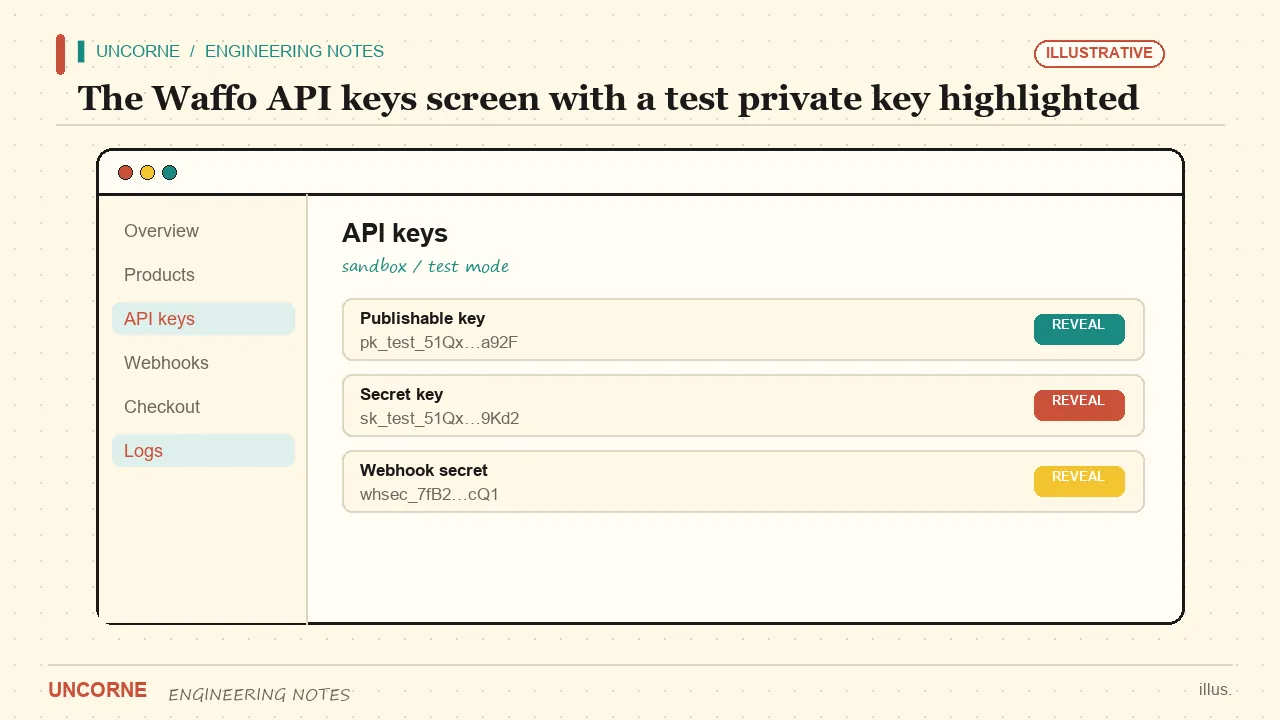
Step 3: Create products and prices
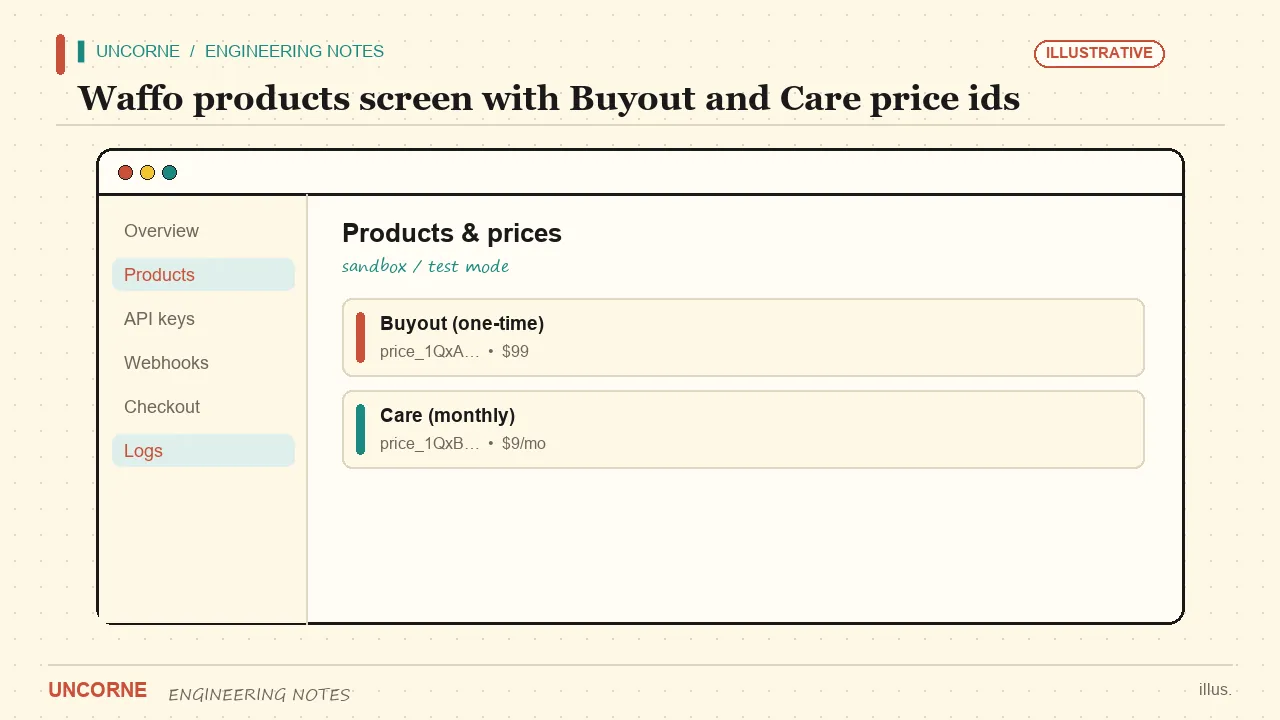
In the Waffo dashboard create a one-time product for Buyout and a recurring product for Care, then copy their price ids into WAFFO_PRICE_ID_BUYOUT and WAFFO_PRICE_ID_CARE. For a Black Friday promo, create separate price ids and set WAFFO_PRICE_ID_BUYOUT_BF and WAFFO_PRICE_ID_CARE_BF. The webhook plan inference recognises the BF ids automatically, so the promo needs no code change.
Step 4: Configure the webhook
Point Waffo at your /api/payments/webhook/waffo endpoint. Pancake verifies with the platform RSA public key (WAFFO_WEBHOOK_PUBLIC_KEY, with test and production variants). Acquiring signs the request with RSA and needs the same public key. Always verify the signature server-side before trusting the payload — never skip it. A webhook endpoint that accepts unverified events lets anyone forge a paid order with a single curl request.
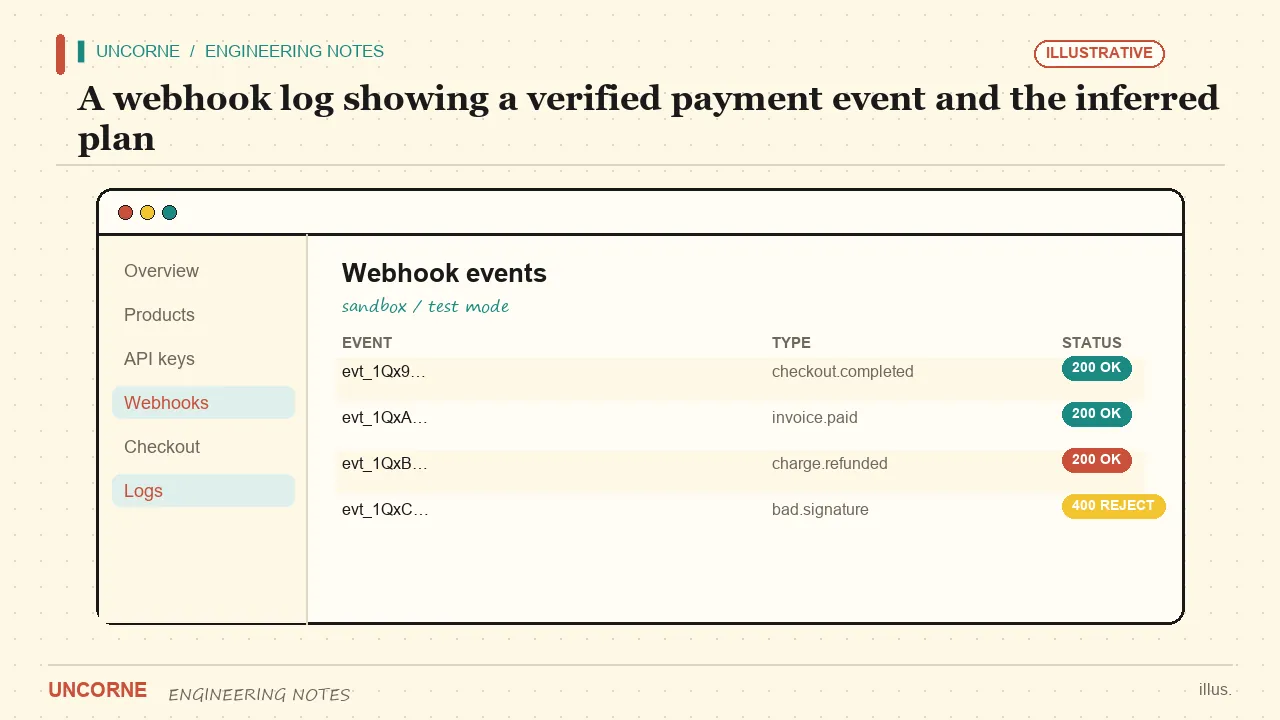
The handler should do three things: verify the signature, infer the plan from the price id, then call the licence grant idempotently so a retried event cannot issue two licences. Log the event id and the price id; that log is the first place you will look when a payment does not grant access.
export async function POST(req: Request) {
  const raw = await req.text();
  if (!verifyWaffoSignature(raw, req.headers)) {
    return new Response("bad signature", { status: 400 });
  }
  const event = JSON.parse(raw);
  const plan = inferPlanFromPriceId(event.price_id);
  await grantLicence(event.customer, plan, event.id);
  return new Response("ok");
}
The Next.js App Router route handler above runs on the server, which is exactly where signature verification belongs — never in a client component.
Step 5: Set the provider
Set PAYMENT_PROVIDER=waffo plus the variables above. A checkout call resolves the right price id for the active plan, and the webhook grants the licence by inferring the plan from the price id. If no price id is configured, checkout falls back to display mode — useful for a preview, useless for revenue.
Step 6: Run a sandbox test
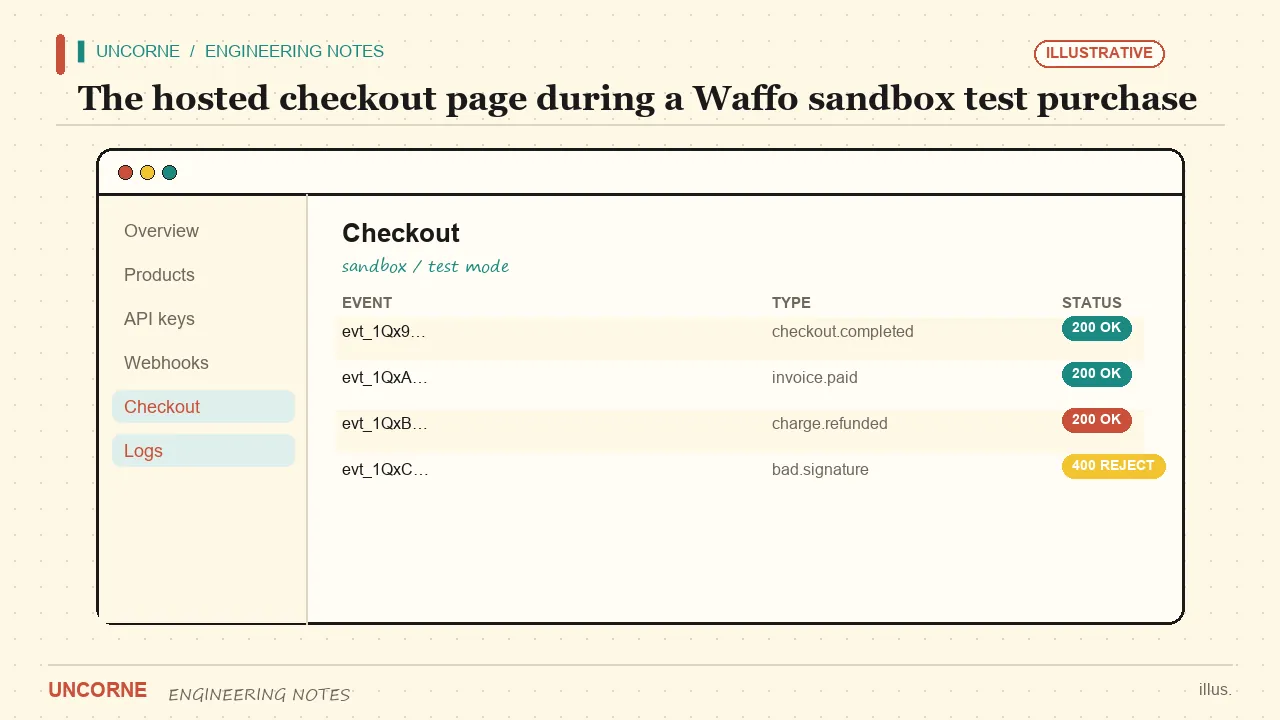
Use the test environment and a test purchase. Confirm the webhook fires, the plan is inferred correctly and the licence key is issued. Then test the failure path: an unverified signature must be rejected with a 400. Do not go live until a real sandbox round-trip is green.
Troubleshooting three common failures
If checkout opens but no licence appears, the price id is almost certainly wrong — compare it against the webhook log. If the signature check fails in test, you are using the production public key instead of the test one. If the plan is always Buyout, the Care price id was never copied into the environment.
Switching gateways later
On Uncorne the five provider adapters share this contract, so the same code path works for Creem, Stripe, PayPal and Lemon Squeezy — only the environment variables change. Read the Creem payment setup tutorial for the parallel steps, or the gateway comparison to choose before you commit.
What the checkout call actually does
When a visitor clicks Buyout or Care, a server action reads the active plan, resolves the matching price id and opens a Waffo-hosted checkout session. The price id comes from the server, so a customer cannot tamper with a URL parameter to buy Care at the Buyout price. The session carries a metadata reference to your internal user id; that reference is how the webhook knows which account to credit once payment clears.
Pancake and Acquiring: what actually changes
The two flavours share the checkout and webhook contract, but the signing path differs. Pancake verifies the payload against the platform RSA public key; Acquiring signs each request with RSA and expects the same public key on your side. Your verification helper should therefore take the flavour as a parameter instead of hard-coding one algorithm branch. Keep a separate public key for test and production, and stamp the environment into every webhook log line — an entry without an environment label is nearly useless during an incident.
The webhook events worth logging
Waffo sends events for completed payments, refunds and disputes. Log every one with three fields: the event id, the price id and the customer reference. Because the price id is in the log, you can answer "which plan did this person actually buy?" months later without guessing. A dispute event should flag the licence for review rather than silently revoking it — you want a human to read the evidence before you cut off a paying customer.
Idempotency is not optional
Waffo retries webhook deliveries when your endpoint does not answer fast enough. If your handler issues a licence before acknowledging the event, a slow database call can grant two licences for one purchase. Store the event id in a unique column and treat a duplicate as a successful no-op. This is the most common source of "why does this customer have two seats?" tickets, and it is invisible in a happy-path test.
A sandbox matrix, not a single happy path
One successful purchase is a demo, not a test. Before you go live, run this short matrix in test mode:
- Buyout with the standard price id — licence issued, plan inferred correctly.
- Care with the standard price id — recurring plan active, renewal date recorded.
- Black Friday price id with the promo flag on — BF plan inferred, no code change.
- A replayed webhook with the same event id — no second licence, no duplicate charge.
- A request with a tampered signature — rejected with 400 and logged.
Row five catches a misconfigured public key. A green happy path with a broken signature check is a security hole you just shipped.
Going-live checklist
Flip WAFFO_ENVIRONMENT to production, swap in the live private key and the live webhook public key, and point the webhook URL at your production domain over HTTPS. Then make one small real purchase and watch the full chain: payment, webhook, plan inference, licence. Keep test price ids out of production — they are the most common cause of "it worked in staging" tickets.
Where to look next
The five-adapter contract means these operational habits transfer directly. The gateway comparison explains when a Merchant of Record is worth its fee, and the billing gateways guide covers the wider decision.
FAQ
Which Waffo flavour should I use?+
Use pancake for a global Merchant-of-Record checkout. Use acquiring only if you already have a regional acquiring contract that requires its specific fields and RSA signing.
Do I need to verify the Waffo webhook signature?+
Yes. The integration verifies it server-side with the platform public key for both flavours. Skipping verification would let anyone forge a paid event with an unsigned request.
How does the licence get issued?+
The webhook infers the plan from the price id (including BF ids) and calls the licence grant idempotently. Without a configured price id the checkout falls back to display mode.
What should I check when a payment does not grant access?+
Compare the price id in the webhook log with your environment variables. A wrong price id, a production public key in test, or a missing Care price id are the three most common causes.
All frequently asked questions · Markdown version (for AI agents)